
Motrix
Motrix is an open-source download manager that handles HTTP, FTP, BitTorrent and Magnet links in one interface. It uses aria2 under the hood and speeds up downloads by splitting files across several connections.
github.com · Official website
- ✓ Official source (winget)
- ✓ SHA256 taken from the official repository
- ✓ Last checked: Nov. 4, 2026
- This is not a virus scan. Check on VirusTotal
- Version
- 1.8.19
- Release date
- May 3, 2023
- License
- MIT
- Installer type
- nullsoft
How do I use this?
Type Terminal in the Start menu and open it, paste the command (Ctrl+V or right-click) and press Enter. It uses winget, Windows' own package manager, to install the program from its official source.
winget install --id agalwood.Motrix -eSHA256 (file verification)
eb8afbda006962da47bf99f5ecc2d73ae2d51f293965ae4ad637acbf55108645github.com · Official website
- ✓ Official source (Homebrew)
- ✓ SHA256 taken from the official repository
- ✓ Last checked: Nov. 4, 2026
- This is not a virus scan. Check on VirusTotal
- Version
- 2.2.1
- License
- MIT
- Installer type
- dmg
How do I use this?
This command needs Homebrew; if you don't have it, first run the install command from brew.sh. Then open Terminal (Applications > Utilities > Terminal), paste the command and press Enter.
brew install --cask motrixSHA256 (file verification)
870b9ba65a7bb5a84c7383ea5d0cf7ef599d246481dfac7e21e9e1d92ff4d13aflathub.org · Official website
- ✓ Community package (Flathub)
- ✓ Last checked: Nov. 4, 2026
- Version
- 1.37.0
- Release date
- Nov. 15, 2023
- License
- MIT
- Installer type
- flatpak
How do I use this?
Open a terminal, paste the command and press Enter. Flatpak and Flathub must be set up; Linux Mint has them by default, for other distributions see flathub.org/setup.
flatpak install flathub net.agalwood.MotrixWe couldn't find a Android version of Motrix in the official repositories; check the publisher's website.
Motrix 1.8.19: what's new?
Highlights
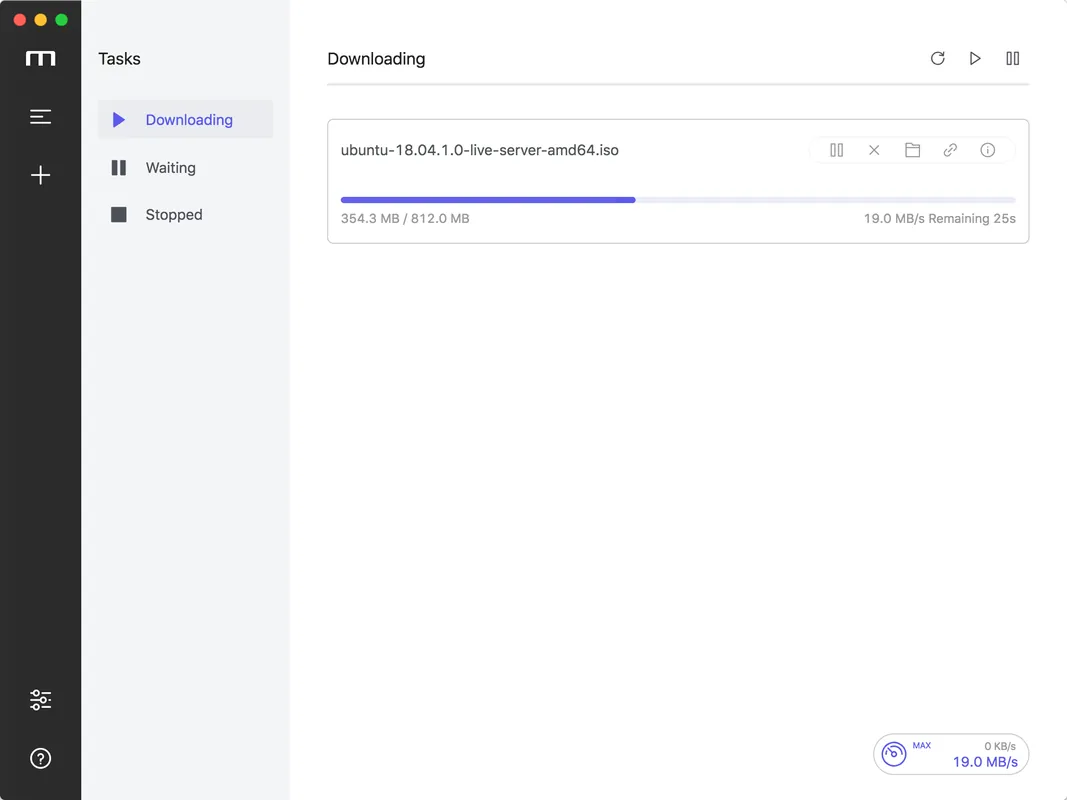
- Supports HTTP, FTP, BitTorrent and Magnet links
- Faster downloads by splitting files into segments
- Several downloads at once with speed limits
- Pick only the files you want from a torrent
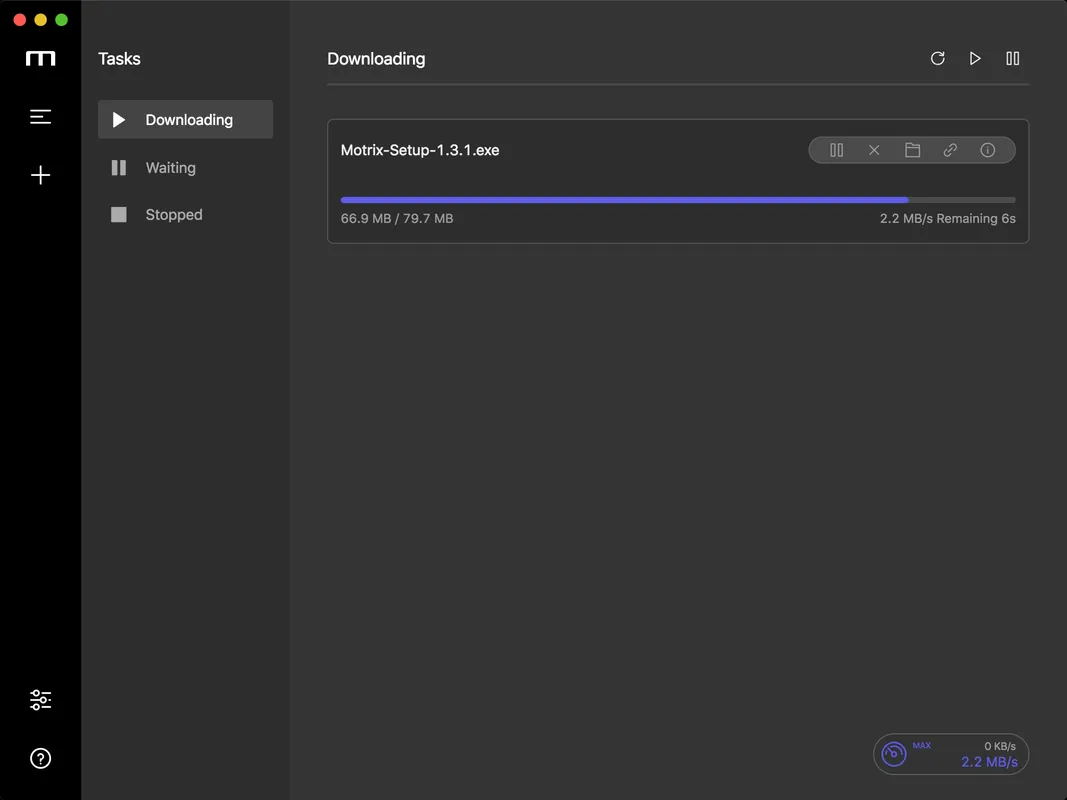
- Clean interface with no ads
Who is it for?
For people who want faster, more organized downloads of large files and want torrents and direct downloads in one program.
Good to know before installing
- There is no built-in browser integration; you often add links by hand.
- It cannot download videos directly from video websites.
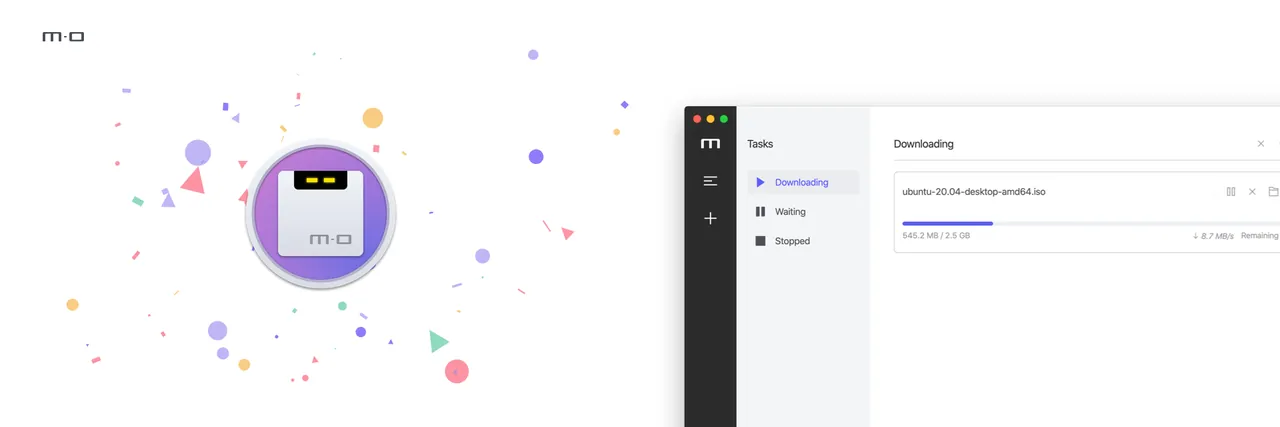
Screenshots
How to install
Windows
- Click the official download button on this page.
- Run the installer and follow the steps.
- Or use the winget command shown on the page.
macOS
- Download the .dmg file with the official button.
- Drag Motrix into the Applications folder.
- Alternatively, use the Homebrew command shown on the page.
Linux
- Open the Flathub page with the button on this page.
- Or run the flatpak command shown on the page in a terminal.
- Launch Motrix from your application menu.
Alternatives
Frequently asked questions
Is Motrix free?
Yes. It is open source, free and has no ads.
Can it download torrents?
Yes. It opens torrent files and Magnet links.
Does it catch downloads from the browser?
Browser integration is limited; copying the link and pasting it into Motrix is the most reliable way.