
Sweet Home 3D
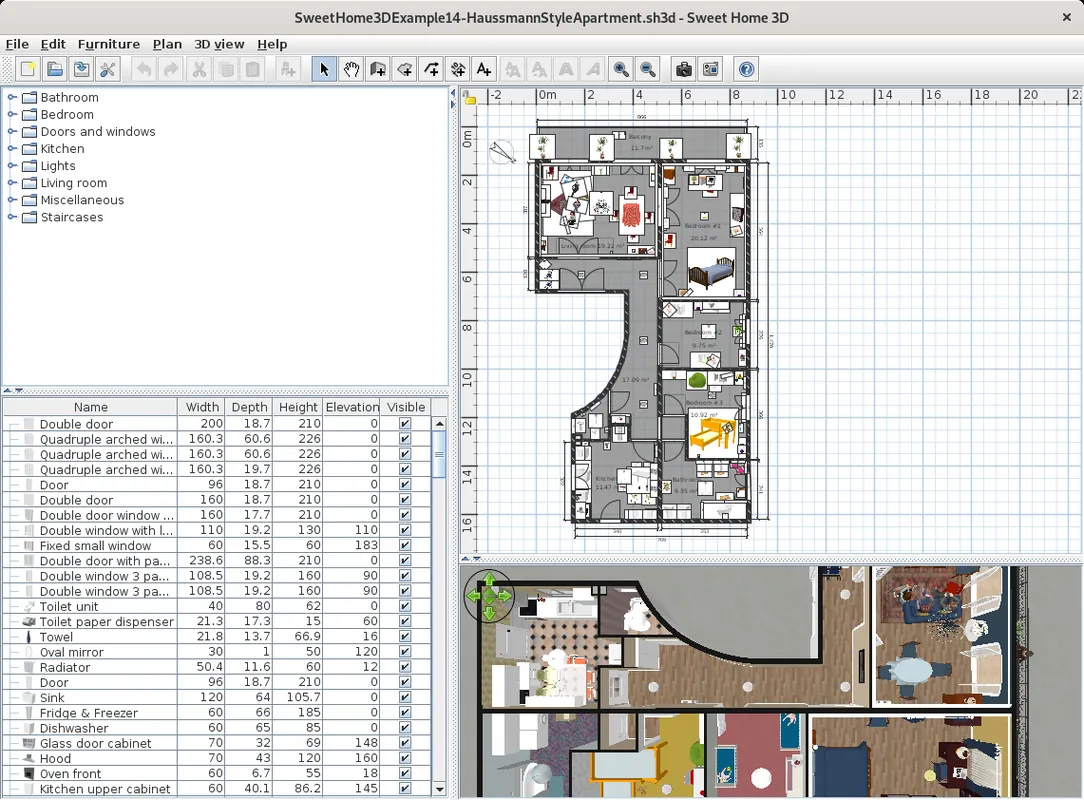
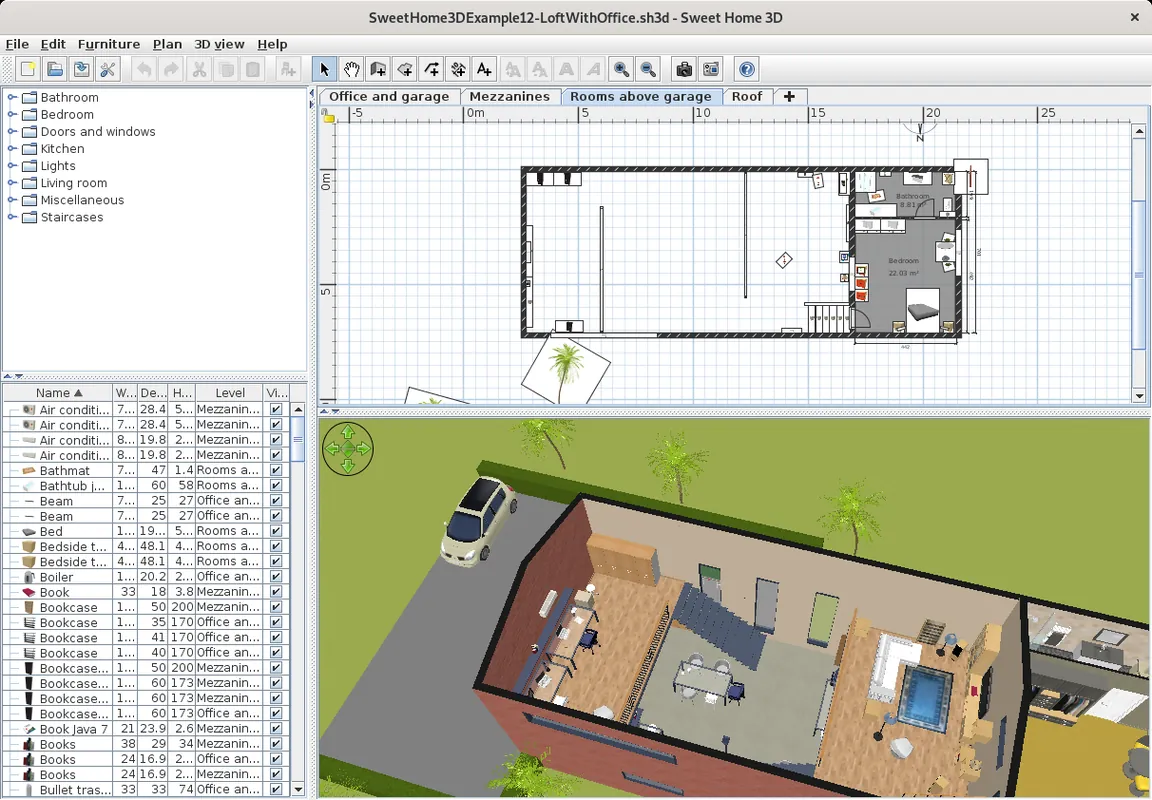
Sweet Home 3D is a free, open-source interior design program. While you draw your home's floor plan in 2D you see it in 3D at the same time, and you place furniture by drag and drop.
sourceforge.net · Official website
- ✓ Official source (winget)
- ✓ SHA256 taken from the official repository
- ✓ Last checked: Nov. 20, 2026
- This is not a virus scan. Check on VirusTotal
- Version
- 7.5
- Release date
- Aug. 21, 2024
- License
- GPL-2.0-or-later
- Installer type
- inno
How do I use this?
Type Terminal in the Start menu and open it, paste the command (Ctrl+V or right-click) and press Enter. It uses winget, Windows' own package manager, to install the program from its official source.
winget install --id eTeks.SweetHome3D -eSHA256 (file verification)
bfc91a3cfe2bfbeecbbbbcf32e1e85d75bf2a9d32fe36e5d621bdf40cb801e5cdownloads.sourceforge.net · Official website
- ✓ Official source (Homebrew)
- ✓ SHA256 taken from the official repository
- ✓ Last checked: Nov. 20, 2026
- This is not a virus scan. Check on VirusTotal
- Version
- 7.6.1
- License
- GPL-2.0-or-later
- Installer type
- dmg
How do I use this?
This command needs Homebrew; if you don't have it, first run the install command from brew.sh. Then open Terminal (Applications > Utilities > Terminal), paste the command and press Enter.
brew install --cask sweet-home3dSHA256 (file verification)
5aa8cd3140342f825a00c0b202e75e5d34bd888c6dec05b7c00c7a13e27e4442flathub.org · Official website
- ✓ Community package (Flathub)
- ✓ Last checked: Nov. 20, 2026
- Version
- 7.5
- Release date
- Aug. 21, 2024
- License
- GPL-2.0-or-later
- Installer type
- flatpak
How do I use this?
Open a terminal, paste the command and press Enter. Flatpak and Flathub must be set up; Linux Mint has them by default, for other distributions see flathub.org/setup.
flatpak install flathub com.sweethome3d.Sweethome3dWe couldn't find a Android version of Sweet Home 3D in the official repositories; check the publisher's website.
Platform pages: Windows · macOS · Linux · Android
Old versions (6)
Sweet Home 3D 7.5: what's new?
- Fixed synchronization issues in the 3D view when displayed in a separate window and rendering of underground levels at the same elevation.
- Fixed font display in the Thai user interface.
- Fixed default property values and saving issues involving commas in the Furniture Library Editor.
- Updated copyright notices following Space Mushrooms taking over the Sweet Home 3D project.
Summarized from the publisher's release notes.
Highlights
- 2D floor plan drawing with a simultaneous 3D view
- Drag-and-drop furniture catalog
- Import additional furniture models
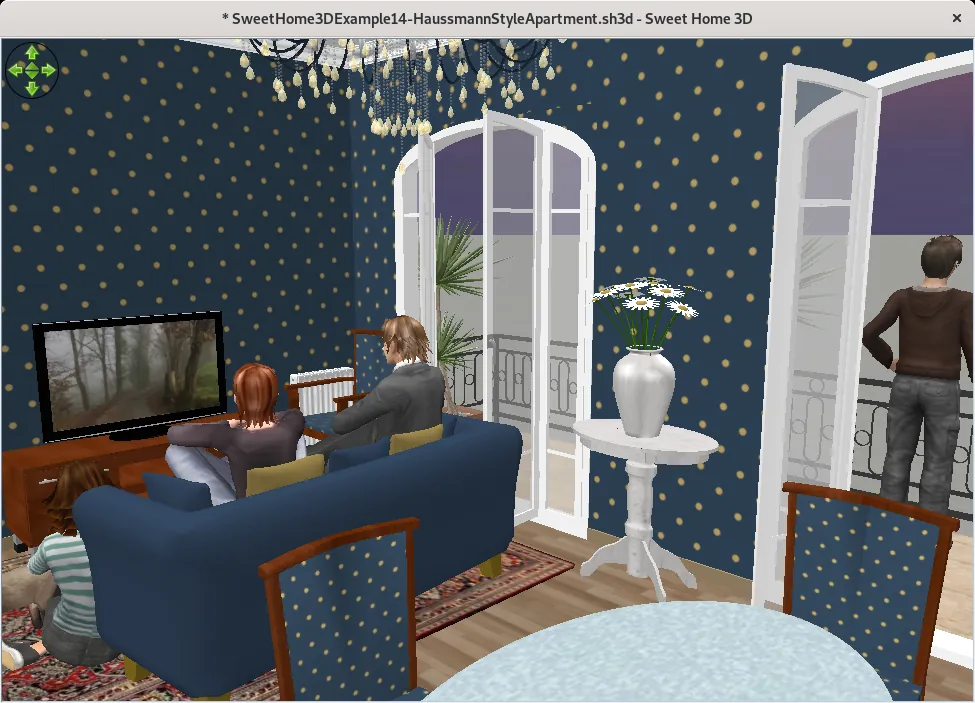
- Create realistic photos and virtual tour videos
Who is it for?
For people rearranging their home or testing furniture layouts before moving, and for interior design students.
Good to know before installing
- It is not meant for professional architectural drawings or structural calculations.
- Creating realistic photos takes a long time on older computers.
Screenshots
How to install
Windows
- Click the official download button on this page or use the winget command.
- Run the installer and follow the steps.
macOS
- Use the Homebrew command or download from the official site.
- Move the app to the Applications folder and open it.
Linux
- Run the Flatpak command in a terminal.
- Open the program from the application menu.
Alternatives
Comparisons
Frequently asked questions
Is Sweet Home 3D free?
Yes. It is open source and free.
Is it suitable for architectural drawings?
No; it is designed for planning and presenting home and room layouts. Formal architectural drawings require CAD software.
Can I get more furniture?
Yes, the official site offers extra furniture libraries, and you can import common 3D model files.