

Vivaldi
Vivaldi is a free web browser developed by Vivaldi Technologies, built on the Chromium engine with a strong emphasis on user customization and control. It integrates advanced tab management, a built-in email client, a PDF reader, and built-in tracking and ad protection. Designed for users who need fine-grained control over their browsing workspace, it allows extensive interface modifications, custom keyboard shortcuts, and detailed privacy settings.
downloads.vivaldi.com · Official website
- ✓ Official source (winget)
- ✓ File is identical to the one the publisher released (SHA256 matched)
- ✓ Last checked: Nov. 4, 2026
- This is not a virus scan. Check on VirusTotal
- Version
- 8.2.4133.96
- Release date
- Oct. 29, 2026
- License
- Freeware
- Installer type
- exe
How do I use this?
Type Terminal in the Start menu and open it, paste the command (Ctrl+V or right-click) and press Enter. It uses winget, Windows' own package manager, to install the program from its official source.
winget install --id Vivaldi.Vivaldi -eSHA256 (file verification)
cd3374dbbffe20ccc8dd1f621c171831ae4e79548af1d41db4dadadf3decb034downloads.vivaldi.com · Official website
- ✓ Official source (Homebrew)
- ✓ File is identical to the one the publisher released (SHA256 matched)
- ✓ Last checked: Nov. 4, 2026
- This is not a virus scan. Check on VirusTotal
- Version
- 8.2.4133.96
- License
- Freeware
- Installer type
- xz
How do I use this?
This command needs Homebrew; if you don't have it, first run the install command from brew.sh. Then open Terminal (Applications > Utilities > Terminal), paste the command and press Enter.
brew install --cask vivaldiSHA256 (file verification)
91e1e4a39717a3077aa01dbe65ef401f1eef2fdd75f28af0c989506d557475d9flathub.org · Official website
- ✓ Community package (Flathub)
- ✓ Last checked: Nov. 4, 2026
- Version
- 8.2.4133.96
- Release date
- Oct. 29, 2026
- License
- Freeware
- Installer type
- flatpak
How do I use this?
Open a terminal, paste the command and press Enter. Flatpak and Flathub must be set up; Linux Mint has them by default, for other distributions see flathub.org/setup.
flatpak install flathub com.vivaldi.Vivaldiplay.google.com · Official website
- ✓ Official source (Google Play)
- ✓ Last checked: Nov. 4, 2026
- License
- Freeware
Security update: according to the publisher's release notes, Vivaldi 8.2.4133.96 fixes security vulnerabilities. If you use an older version, update.
Official release notes →
Vivaldi 8.2.4133.96: what's new?
Highlights
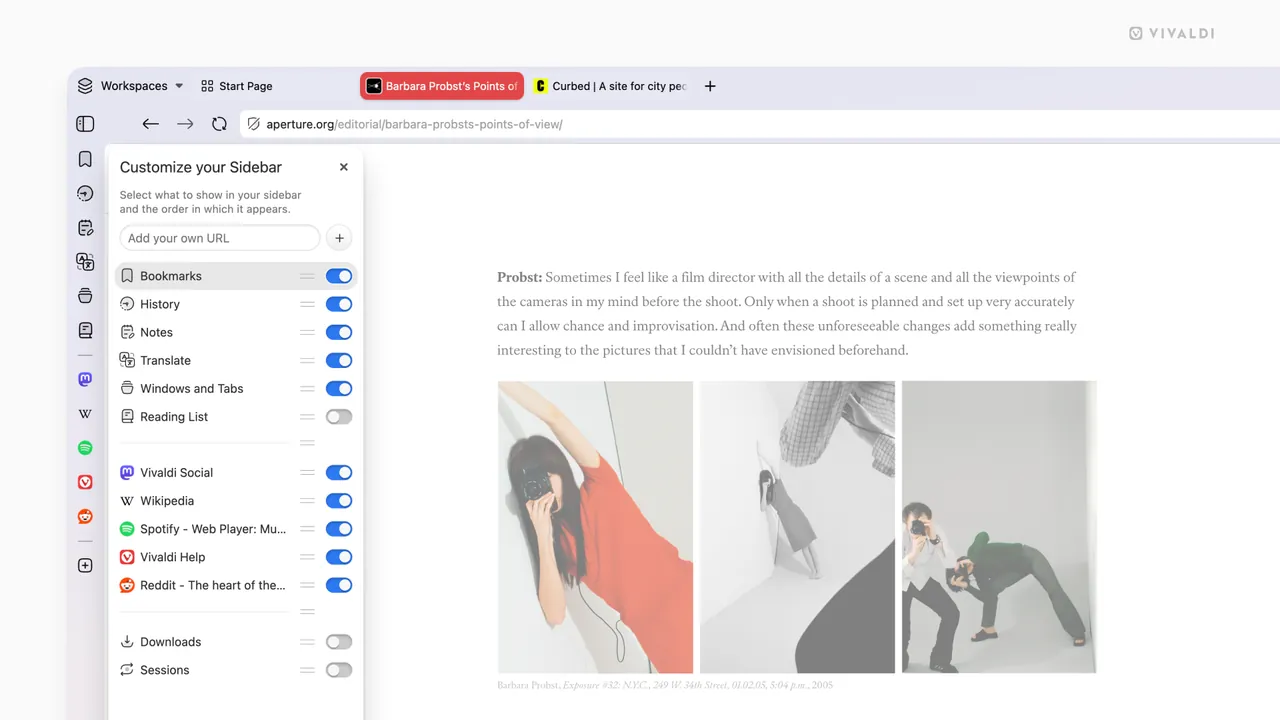
- Advanced tab stacking, tab tiling, and flexible panel positions
- Integrated mail client, calendar, and note-taking tool
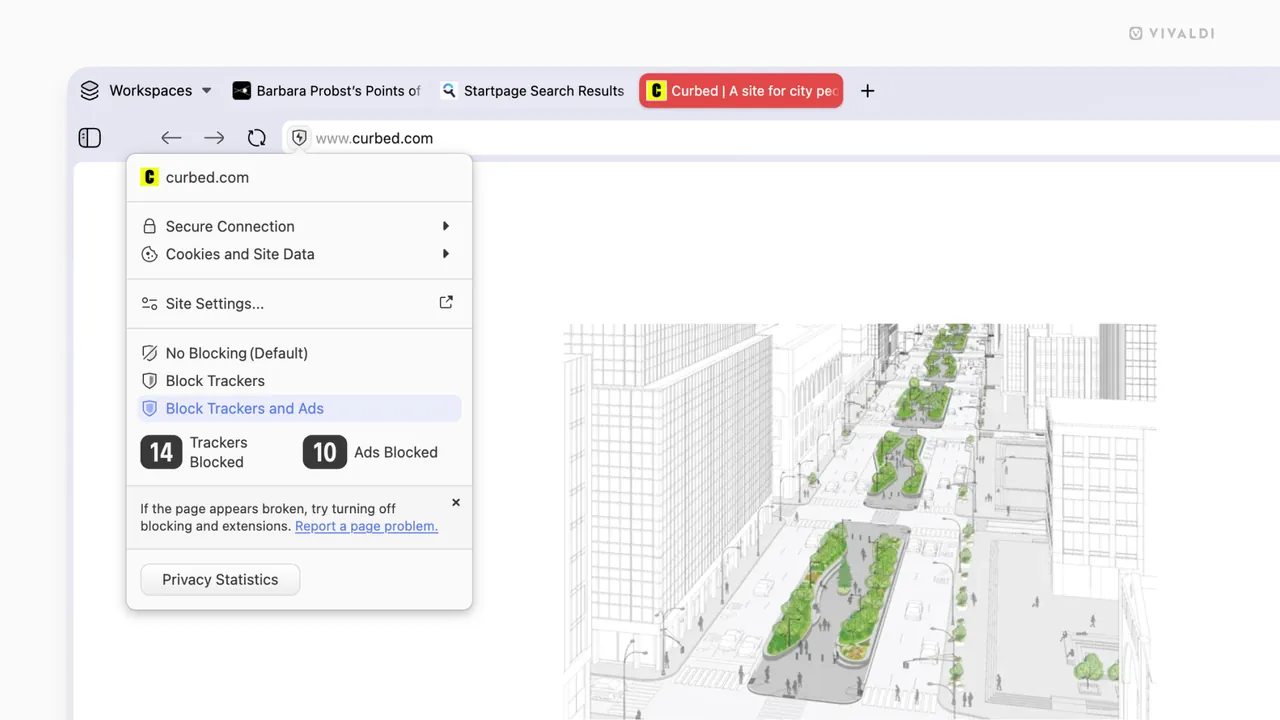
- Built-in tracker and ad blocker
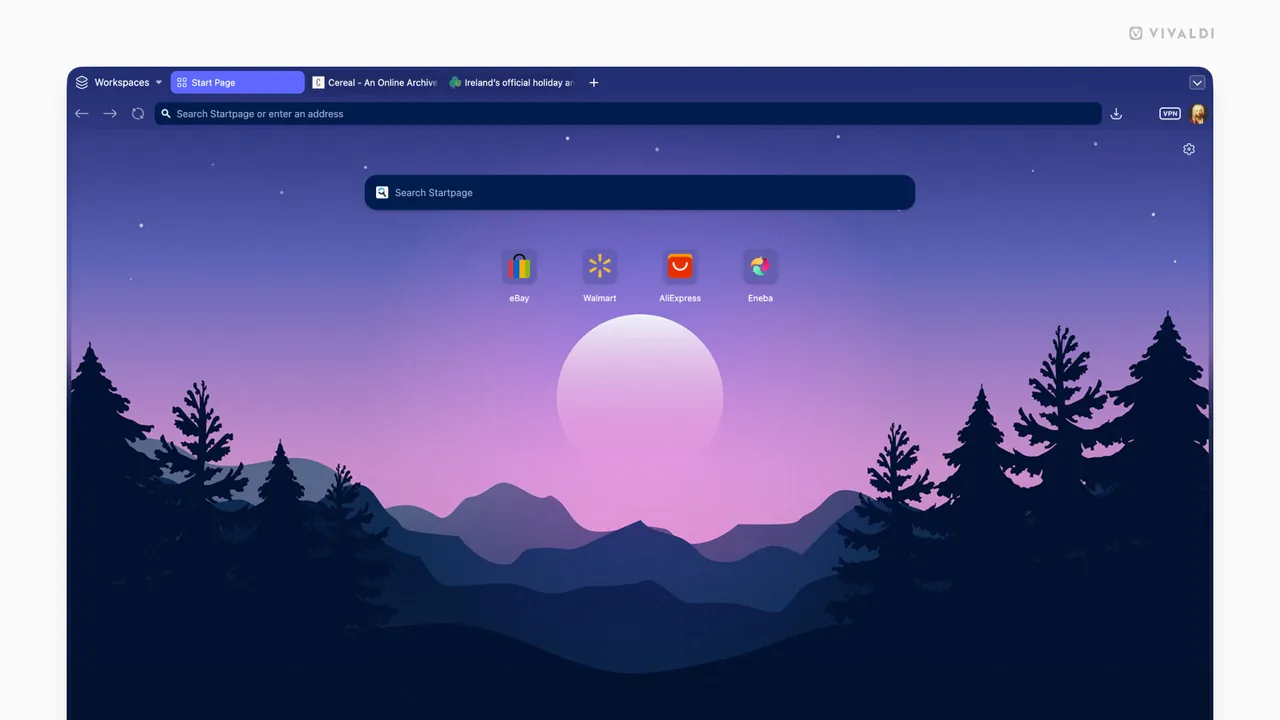
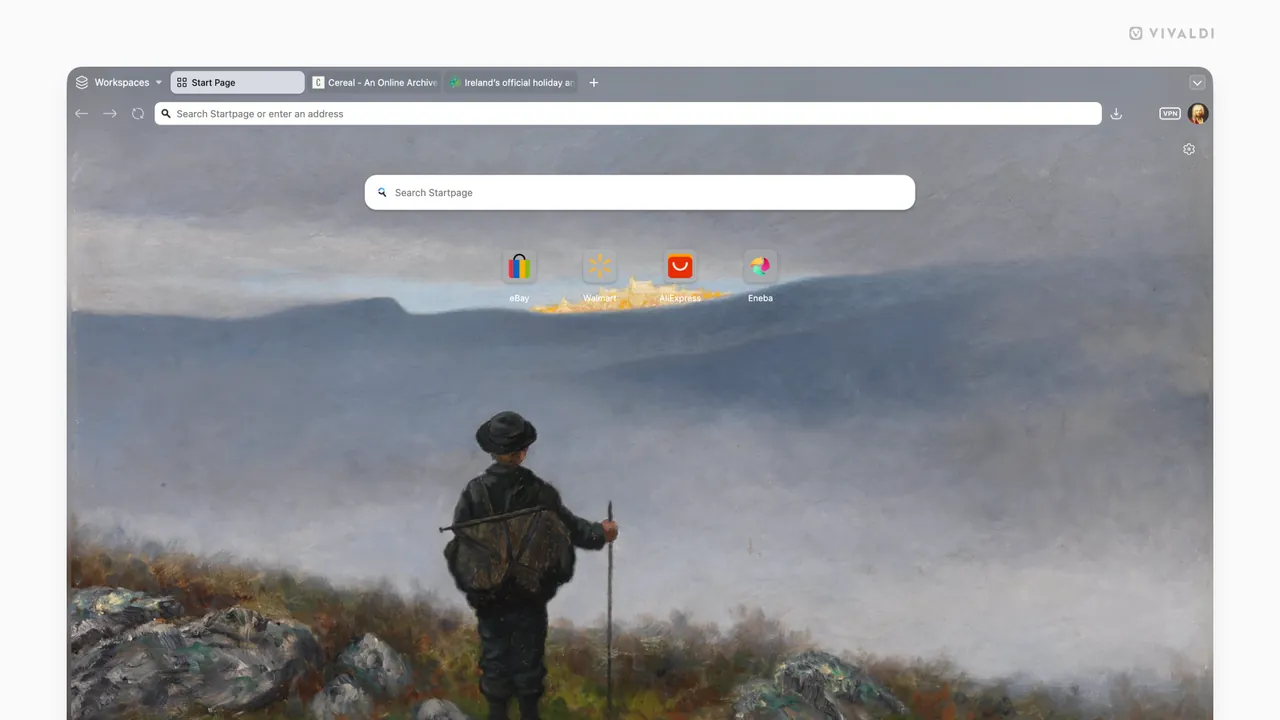
- Extensive visual interface, command, and shortcut customization
- Built-in PDF reader support
Who is it for?
Vivaldi is designed for power users, researchers, and professionals who require extensive UI customization and built-in multitasking tools. It is particularly useful for managing large numbers of tabs, organizing built-in email and feeds, and tailoring complex browsing workflows.
Good to know before installing
- The vast number of settings and features can create a steep learning curve for users seeking a simple browser.
- Although built on Chromium, Vivaldi is proprietary freeware rather than fully open-source software.
- The feature-dense interface can feel heavier compared to more minimalist web browsers.
Screenshots
How to install
Windows
- Download the official setup file via our link, or run 'winget install --id Vivaldi.Vivaldi -e' in PowerShell/Command Prompt.
- Run the downloaded executable and complete the installation wizard.
- Launch Vivaldi from the desktop shortcut or Start menu.
macOS
- Download the installation file using our official link, or run 'brew install --cask vivaldi' in Terminal.
- Open the downloaded DMG archive and drag Vivaldi into the Applications folder.
- Launch Vivaldi from your Applications list.
Linux
- Click the download link to view the Flathub page, or run 'flatpak install flathub com.vivaldi.Vivaldi' in your terminal.
- Confirm the installation prompts in the terminal or software center.
- Launch Vivaldi from your desktop applications menu.
Android
- Tap the official download button on our site to visit the application store page.
- Tap Install to begin downloading the browser.
- Open Vivaldi once the installation finishes.
Alternatives
Frequently asked questions
Is Vivaldi free to use?
Yes, Vivaldi is entirely free software.
Is Vivaldi open source?
No, while its core relies on open-source Chromium, Vivaldi's proprietary interface is closed-source.
Can Vivaldi use Chrome Web Store extensions?
Yes, Vivaldi is compatible with extensions available in the Chrome Web Store.