

Wireshark
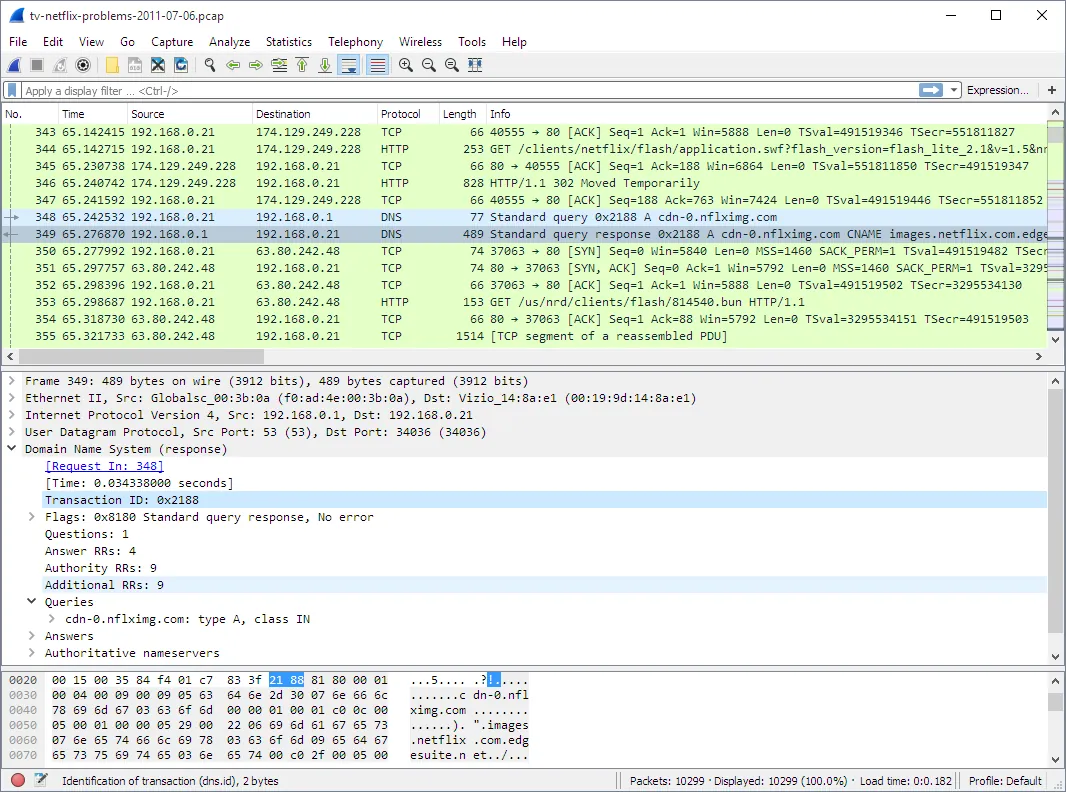
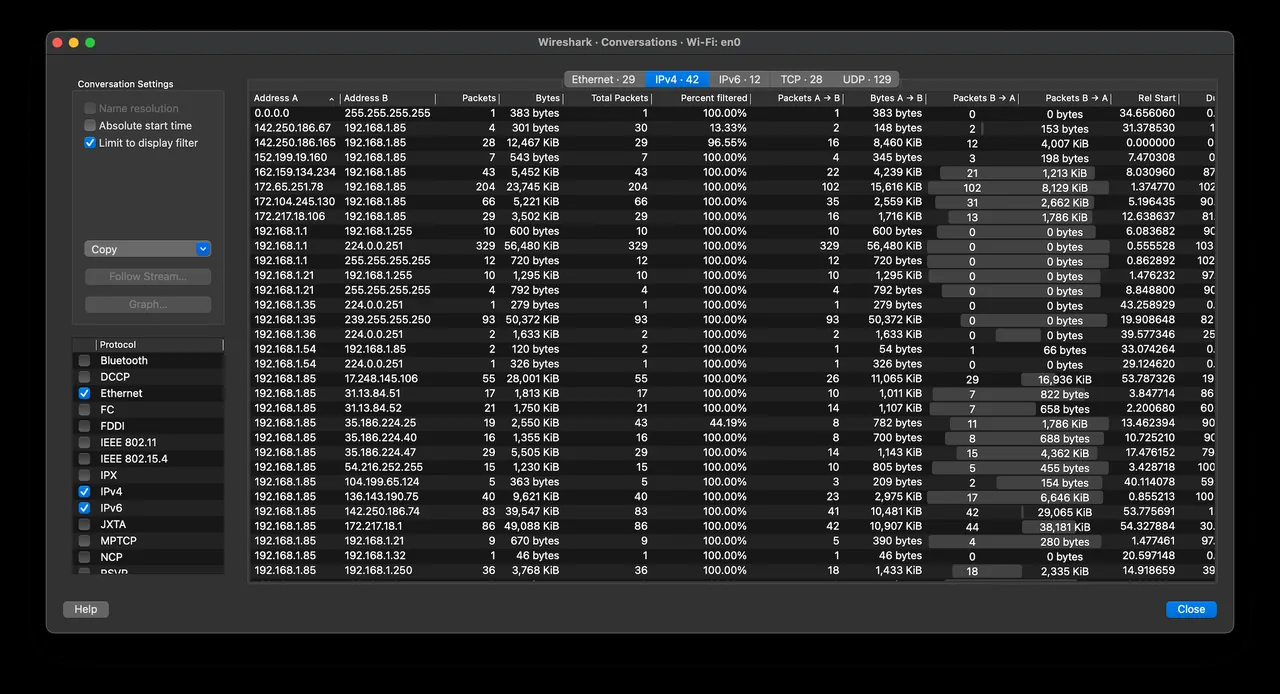
Wireshark is an open-source network protocol analyzer widely utilized for network troubleshooting, software analysis, and communications protocol development. It inspects live traffic and translates raw network data into human-readable packet information.
2.na.dl.wireshark.org · Official website
- ✓ Official source (winget)
- ✓ File is identical to the one the publisher released (SHA256 matched)
- ✓ Last checked: Nov. 4, 2026
- This is not a virus scan. Check on VirusTotal
- Version
- 4.6.9
- Release date
- Sept. 23, 2026
- License
- GPL-2.0
- Installer type
- nullsoft
How do I use this?
Type Terminal in the Start menu and open it, paste the command (Ctrl+V or right-click) and press Enter. It uses winget, Windows' own package manager, to install the program from its official source.
winget install --id WiresharkFoundation.Wireshark -eSHA256 (file verification)
bf9b5ce8a89f244c376a9b1a946276eaa06463dde3e33069a34d7f102f5878cfwww.wireshark.org · Official website
- ✓ Official source (Homebrew)
- ✓ File is identical to the one the publisher released (SHA256 matched)
- ✓ Last checked: Nov. 4, 2026
- This is not a virus scan. Check on VirusTotal
- Version
- 4.6.9
- License
- GPL-2.0
- Installer type
- dmg
How do I use this?
This command needs Homebrew; if you don't have it, first run the install command from brew.sh. Then open Terminal (Applications > Utilities > Terminal), paste the command and press Enter.
brew install --cask wireshark-appSHA256 (file verification)
10bd54ccdc3f40457f6a1f0c517bc93703fcb327c4cd4b93002e7a623dacbf38flathub.org · Official website
- ✓ Community package (Flathub)
- ✓ Last checked: Nov. 4, 2026
- Version
- 4.6.9
- Release date
- Sept. 20, 2026
- License
- GPL-2.0
- Installer type
- flatpak
How do I use this?
Open a terminal, paste the command and press Enter. Flatpak and Flathub must be set up; Linux Mint has them by default, for other distributions see flathub.org/setup.
flatpak install flathub org.wireshark.WiresharkWe couldn't find a Android version of Wireshark in the official repositories; check the publisher's website.
Highlights
- Live network packet capture and offline capture inspection
- Deep protocol dissection across hundreds of network standards
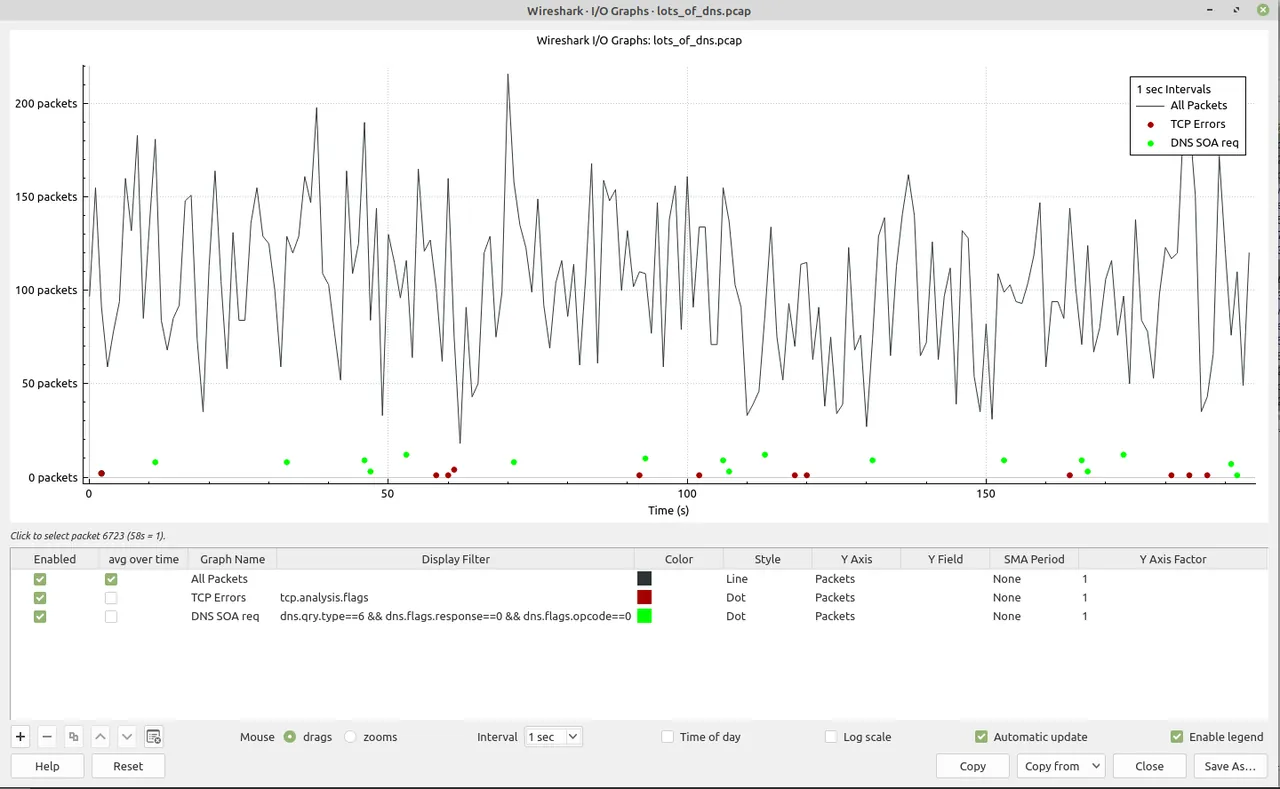
- Granular display filters to isolate targeted communications
- Customizable packet coloring rules for rapid visual triage
- Support for reading and exporting numerous capture file formats
Who is it for?
Designed for network administrators, security analysts, and developers inspecting live network traffic. It is commonly used for troubleshooting connection problems, auditing network activity, and debugging custom communication protocols.
Good to know before installing
- Requires foundational knowledge of networking protocols, making it difficult for beginners to interpret raw packet data.
- Acts purely as a passive traffic analyzer and does not block malicious traffic or serve as an intrusion prevention system.
- The Flatpak package for Linux is distributed without built-in packet capture support.
Screenshots
How to install
Windows
- Download the official Windows installer via our button or run winget install --id WiresharkFoundation.Wireshark -e in PowerShell.
- Run the executable and follow the setup wizard, ensuring capture drivers are included.
- Finish the installation and open Wireshark via the Start menu.
macOS
- Click the official download link or run brew install --cask wireshark-app in Terminal.
- Mount the disk image and transfer Wireshark to your Applications directory.
- Configure capture system permissions when prompted and launch the application.
Linux
- Launch your terminal or preferred software manager.
- Execute flatpak install flathub org.wireshark.Wireshark or navigate to the Flathub page via our download button.
- Start Wireshark from your desktop application launcher.
Alternatives
- tcpdump
- Fiddler
- Ettercap
Frequently asked questions
Is Wireshark free software?
Yes, Wireshark is open source and distributed under the GNU General Public License version 2 (GPL-2.0).
Does Wireshark require administrative privileges?
Capturing real-time traffic requires administrative or root privileges to access physical network interfaces.
How does Wireshark compare to tcpdump?
tcpdump is a lightweight command-line tool, whereas Wireshark provides a graphical interface with advanced dissection capabilities.