

Zettlr
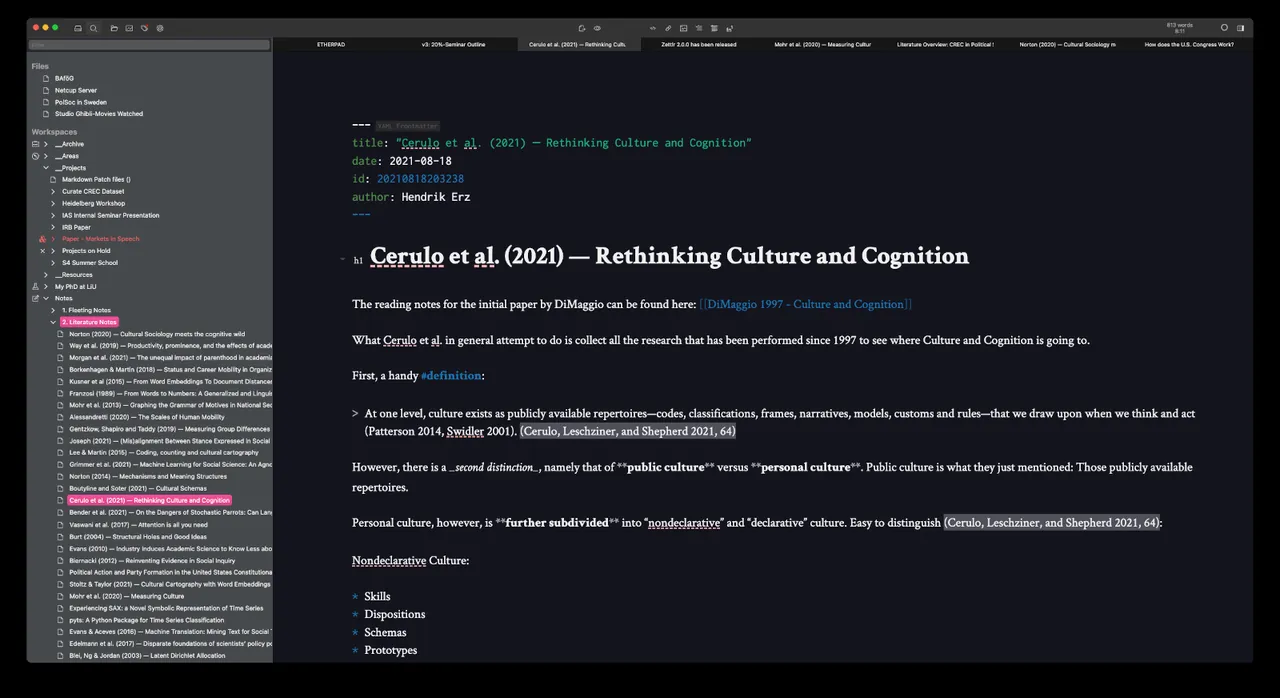
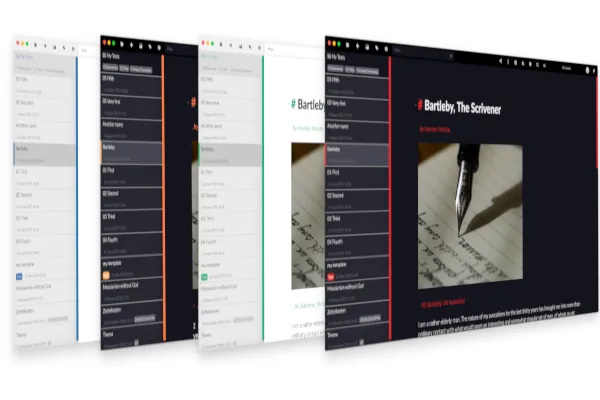
Zettlr is an open-source Markdown editor built for academic writing and research workflows. It operates directly on local plain text files, combining note-taking, Zettelkasten linking, and publication preparation in a unified environment.
github.com · Official website
- ✓ Official source (winget)
- ✓ SHA256 taken from the official repository
- ✓ Last checked: Nov. 4, 2026
- This is not a virus scan. Check on VirusTotal
- Version
- 4.9.0
- Release date
- Oct. 25, 2026
- License
- GPL-3.0
- Installer type
- nullsoft
How do I use this?
Type Terminal in the Start menu and open it, paste the command (Ctrl+V or right-click) and press Enter. It uses winget, Windows' own package manager, to install the program from its official source.
winget install --id Zettlr.Zettlr -eSHA256 (file verification)
ffccfcbdd71531fd7a6d4805ea9c199d75c2b4e023ee73df9b3bf6e20cdb5068github.com · Official website
- ✓ Official source (Homebrew)
- ✓ SHA256 taken from the official repository
- ✓ Last checked: Nov. 4, 2026
- This is not a virus scan. Check on VirusTotal
- Version
- 4.9.0
- License
- GPL-3.0
- Installer type
- dmg
How do I use this?
This command needs Homebrew; if you don't have it, first run the install command from brew.sh. Then open Terminal (Applications > Utilities > Terminal), paste the command and press Enter.
brew install --cask zettlrSHA256 (file verification)
dca807ccec54cc341df5fc495e9ce502d08b679a136118041efc8f1173de8c3cflathub.org · Official website
- ✓ Official source (Flathub)
- ✓ Last checked: Nov. 4, 2026
- Version
- 4.9.0
- Release date
- Oct. 25, 2026
- License
- GPL-3.0
- Installer type
- flatpak
How do I use this?
Open a terminal, paste the command and press Enter. Flatpak and Flathub must be set up; Linux Mint has them by default, for other distributions see flathub.org/setup.
flatpak install flathub com.zettlr.ZettlrWe couldn't find a Android version of Zettlr in the official repositories; check the publisher's website.
You can try these instead:
Security update: according to the publisher's release notes, Zettlr 4.9.0 fixes security vulnerabilities. If you use an older version, update.
Official release notes →
Zettlr 4.9.0: what's new?
Highlights
- Direct integration with reference managers like Zotero, JabRef, and BibTeX
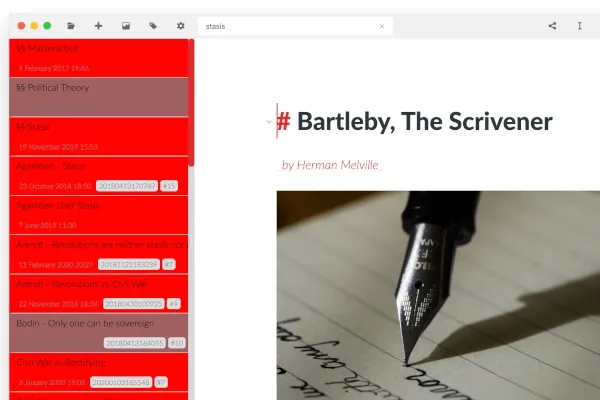
- Zettelkasten-style linking and file tagging for research notes
- Export capabilities to PDF, Word, and HTML via Pandoc and LaTeX
- Syntax highlighting for code blocks and full math support via KaTeX/LaTeX
Who is it for?
Designed for researchers, journalists, and students writing academic papers, theses, or managing interconnected research notes.
Good to know before installing
- Advanced document export requires installing external tools like Pandoc and LaTeX separately.
- Has a steeper learning curve for users unfamiliar with Markdown formatting and reference syntax.
Screenshots
How to install
Windows
- Click the official download button to get the Windows installer, or run winget install --id Zettlr.Zettlr -e in Command Prompt.
- Run the downloaded installer and complete the setup wizard.
- Launch Zettlr from the Start menu.
macOS
- Download the official macOS installer from our page or run brew install --cask zettlr in Terminal.
- Open the .dmg file and drag Zettlr into your Applications folder.
- Open the app and choose a working directory for your notes.
Linux
- Click the official download button to access the Flathub page.
- Alternatively, run flatpak install flathub com.zettlr.Zettlr in your terminal.
- Launch Zettlr from your desktop application menu once installed.
Alternatives
Frequently asked questions
Is Zettlr free to use?
Yes, Zettlr is free and open-source software licensed under the GNU General Public License v3.0 (GPL-3.0).
Where are my notes stored?
All notes are stored locally as standard Markdown (.md) files on your computer's hard drive.
Do I need extra software to export files?
Basic export works out of the box, but exporting to PDF or Word with advanced styling requires Pandoc and a LaTeX distribution.