

MarkText
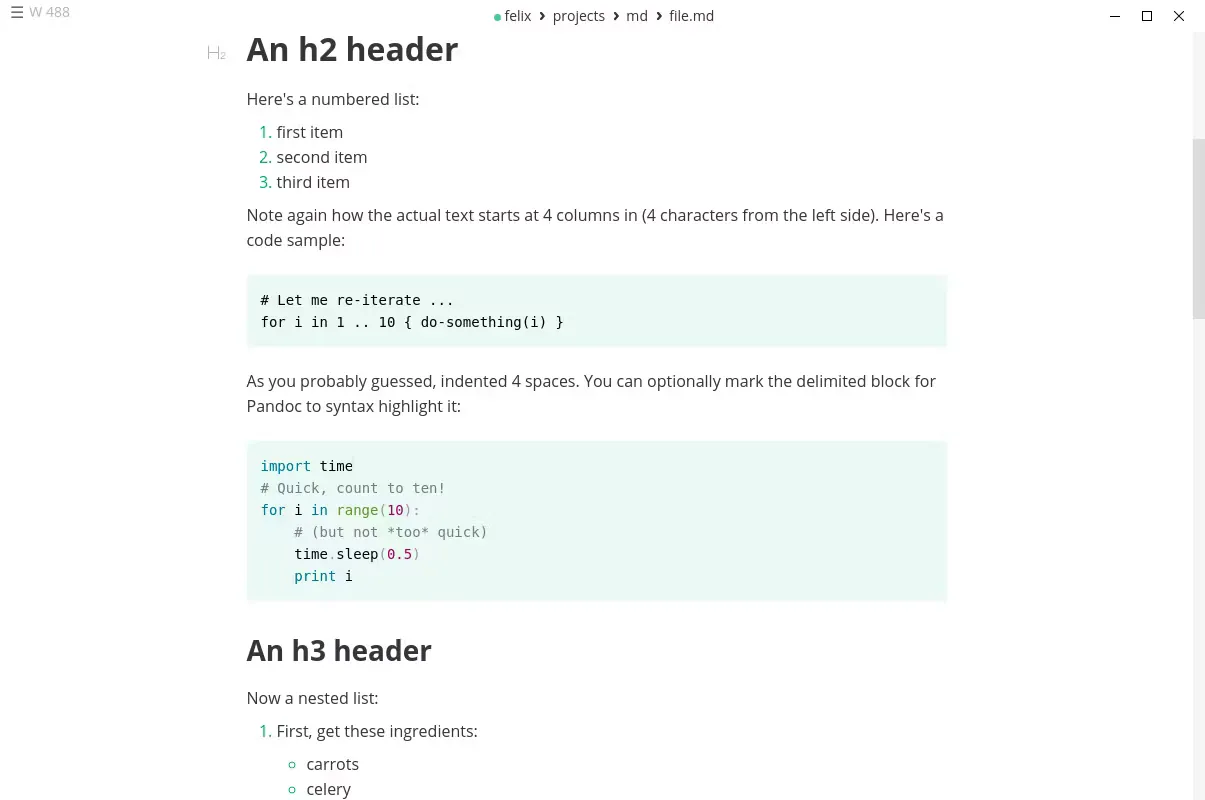
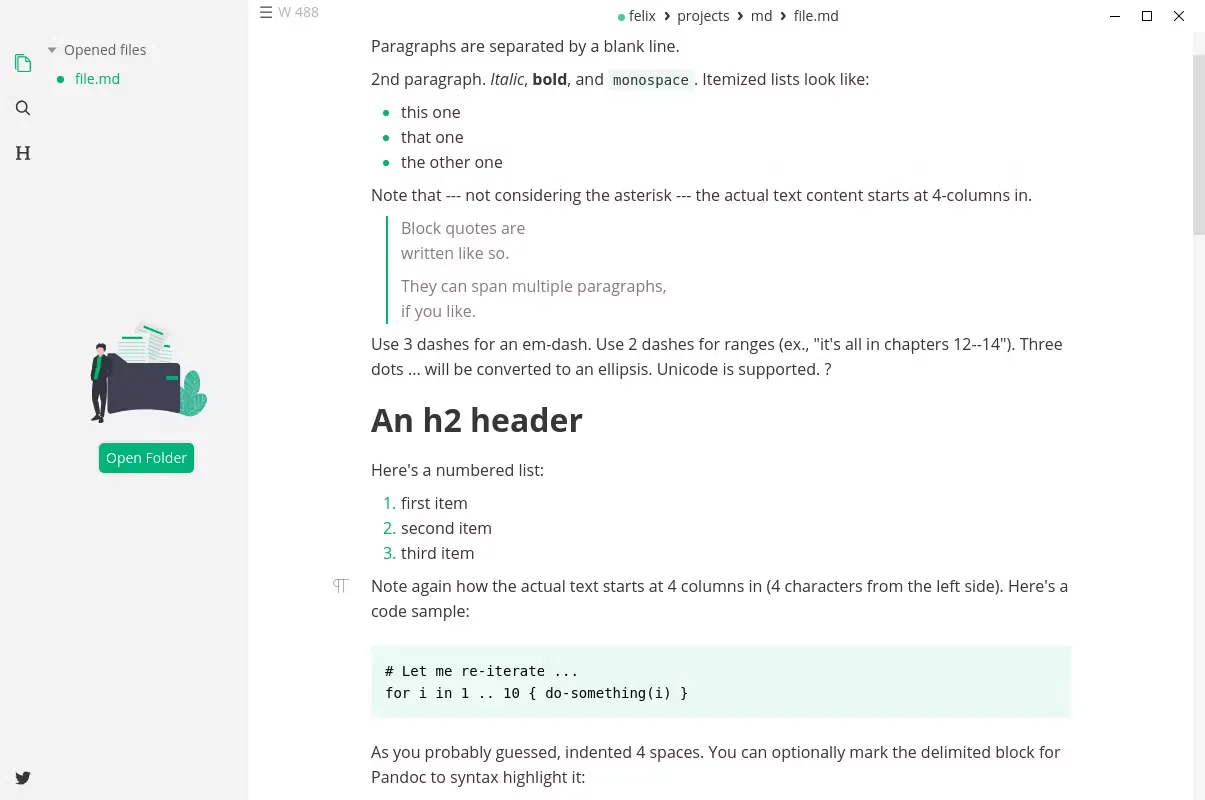
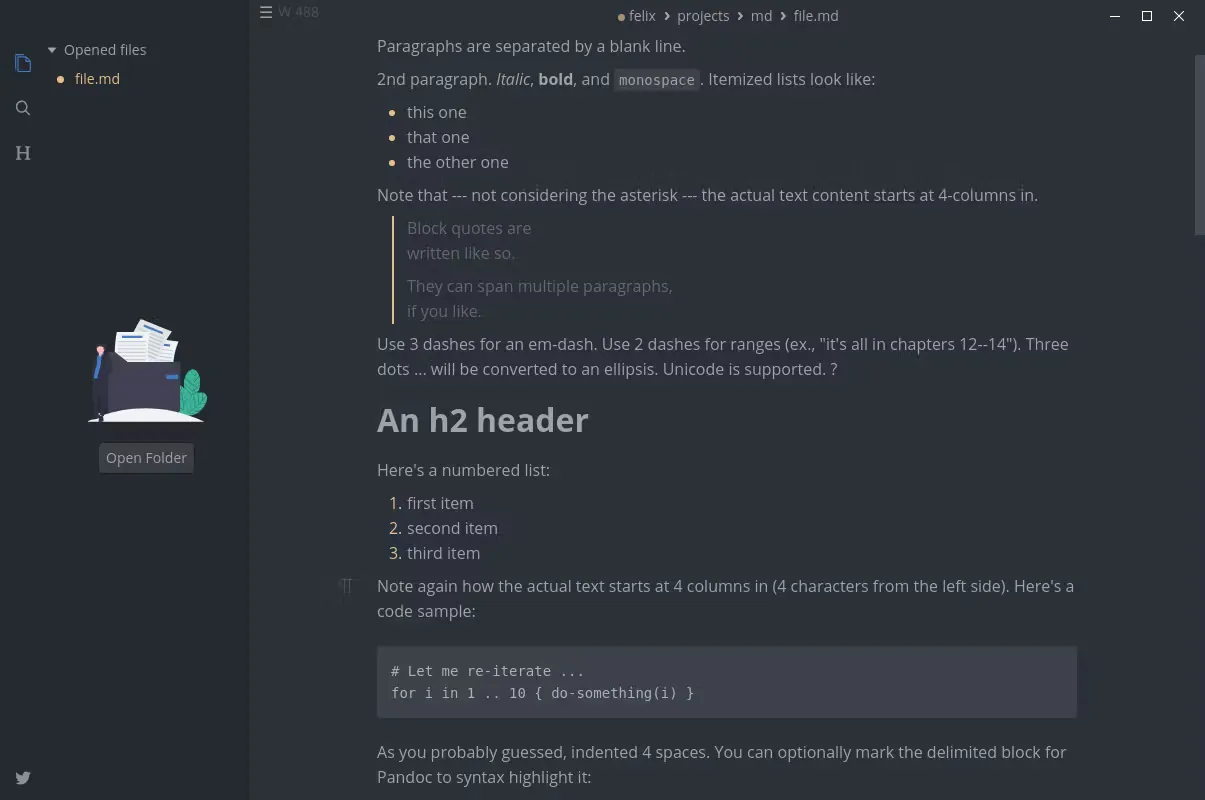
MarkText is an open-source Markdown editor focused on speed and usability. It features a real-time live preview engine that seamlessly renders formatted text as you type, removing the traditional split-screen layout. It provides a clean, distraction-free environment for technical documentation, note-taking, and writing.
github.com · Official website
- ✓ Official source (winget)
- ✓ SHA256 taken from the official repository
- ✓ Last checked: Nov. 4, 2026
- This is not a virus scan. Check on VirusTotal
- Version
- 0.23.0
- Release date
- Oct. 21, 2026
- License
- MIT
- Installer type
- nullsoft
How do I use this?
Type Terminal in the Start menu and open it, paste the command (Ctrl+V or right-click) and press Enter. It uses winget, Windows' own package manager, to install the program from its official source.
winget install --id MarkText.MarkText -eSHA256 (file verification)
49bf66035f92072ce7dd8fa2f88b91f7036d674c05f872355a2d6e366fc53964flathub.org · Official website
- ✓ Community package (Flathub)
- ✓ Last checked: Nov. 4, 2026
- Version
- 0.23.0
- Release date
- Oct. 21, 2026
- License
- MIT
- Installer type
- flatpak
How do I use this?
Open a terminal, paste the command and press Enter. Flatpak and Flathub must be set up; Linux Mint has them by default, for other distributions see flathub.org/setup.
flatpak install flathub com.github.marktext.marktextWe couldn't find a macOS version of MarkText in the official repositories; check the publisher's website.
You can try these instead:
We couldn't find a Android version of MarkText in the official repositories; check the publisher's website.
You can try these instead:
MarkText 0.23.0: what's new?
Highlights
- Real-time live preview that seamlessly renders Markdown without a split view
- Support for math expressions with LaTeX and syntax-highlighted code blocks
- Typewriter and source code editing modes for enhanced focus
- Direct document export options to HTML and PDF formats
Who is it for?
MarkText is built for developers drafting documentation, students organizing research notes, and writers needing a clutter-free Markdown workspace.
Good to know before installing
- Official support is limited to Linux and Windows platforms.
- Lacks a dedicated plugin ecosystem for extending features.
- Opening very large Markdown files may cause noticeable interface lag.
Screenshots

How to install
Windows
- Download the official setup file via the download button on our site.
- Run the downloaded installer and complete the setup wizard.
- Alternatively, install via terminal using: winget install --id MarkText.MarkText -e
Linux
- Click the official download button to navigate to the Flathub page.
- Alternatively, open a terminal and run: flatpak install flathub com.github.marktext.marktext
- Launch MarkText directly from your desktop application launcher.
Alternatives
Frequently asked questions
Is MarkText completely free?
Yes, MarkText is fully free and open-source software under the MIT license.
Does MarkText support auto-save?
Yes, auto-save can be enabled directly within the application preferences.
How does MarkText handle images?
You can paste images from the clipboard or drag and drop them directly into your text.