

Microsoft Edge
Microsoft Edge is Microsoft's Chromium-based web browser. It comes with Windows; you can download it here to reinstall it or use it on other operating systems. It also runs Chrome extensions.
download.microsoft.com · Official website
- ✓ Official source (winget)
- ✓ SHA256 taken from the official repository
- ✓ Last checked: Nov. 20, 2026
- This is not a virus scan. Check on VirusTotal
- Version
- 156.0.4314.58
- License
- Proprietary
- Installer type
- msi
How do I use this?
Type Terminal in the Start menu and open it, paste the command (Ctrl+V or right-click) and press Enter. It uses winget, Windows' own package manager, to install the program from its official source.
winget install --id Microsoft.Edge -eSHA256 (file verification)
784051ebfcc8b28569127f381d515766866c4925312d35c52293382b97eef2fbmsedge.sf.dl.delivery.mp.microsoft.com · Official website
- ✓ Official source (Homebrew)
- ✓ SHA256 taken from the official repository
- ✓ Last checked: Nov. 20, 2026
- This is not a virus scan. Check on VirusTotal
- Version
- 158.0.4370.33
- License
- Proprietary
- Installer type
- dmg
How do I use this?
This command needs Homebrew; if you don't have it, first run the install command from brew.sh. Then open Terminal (Applications > Utilities > Terminal), paste the command and press Enter.
brew install --cask microsoft-edgeSHA256 (file verification)
33d92b7098531232ca8c4707ac7e5b0d57246947dbec5b7e8541717f532456e8flathub.org · Official website
- ✓ Community package (Flathub)
- ✓ Last checked: Nov. 20, 2026
- Version
- 157.0.4341.60
- Release date
- Nov. 13, 2026
- License
- Proprietary
- Installer type
- flatpak
How do I use this?
Open a terminal, paste the command and press Enter. Flatpak and Flathub must be set up; Linux Mint has them by default, for other distributions see flathub.org/setup.
flatpak install flathub com.microsoft.EdgeWe couldn't find a Android version of Microsoft Edge in the official repositories; check the publisher's website.
You can try these instead:
Platform pages: Windows · macOS · Linux · Android
Old versions (10)
Highlights
- Support for Chrome Web Store extensions
- Sleeping tabs and efficiency mode
- Vertical tabs
- Built-in PDF reader and Copilot sidebar
Who is it for?
For people who work with a Microsoft account and want a browser that fits Windows.
Good to know before installing
- By default it promotes Microsoft services; review the privacy settings.
- Promotional and suggested content can be distracting unless turned off in settings.
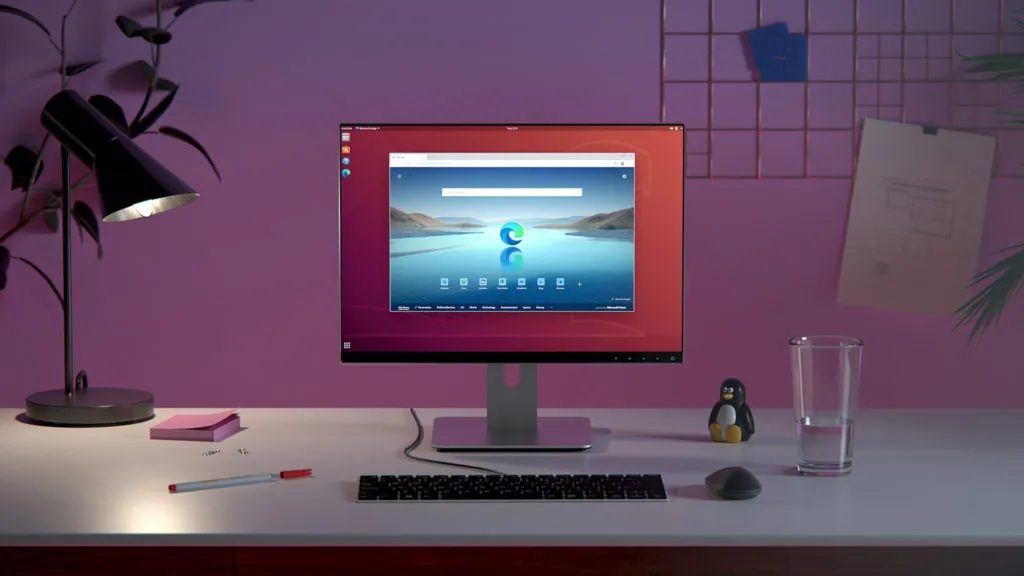
Screenshots
How to install
Windows
- Click the official download button on this page or use the winget command.
- Run the installer and follow the steps.
macOS
- Use the Homebrew command or download from the official site.
- Move the app to the Applications folder and open it.
Linux
- Run the Flatpak command in a terminal.
- Open the program from the application menu.
Alternatives
Comparisons
Frequently asked questions
Is Microsoft Edge free?
Yes. It is free.
Isn't it already installed on Windows?
Yes, it comes with Windows. This download is for reinstalling or using it on other systems.
How do I change the default browser?
Choose your browser under Settings > Apps > Default apps.