

OpenBoard
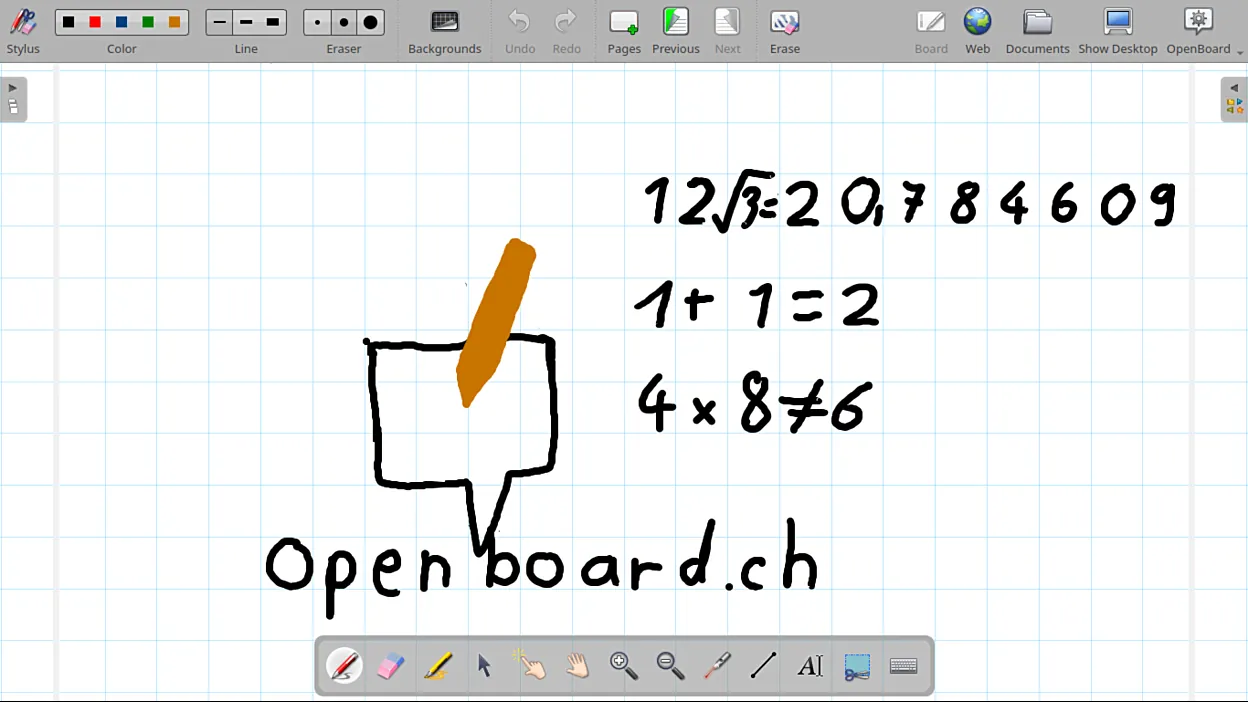
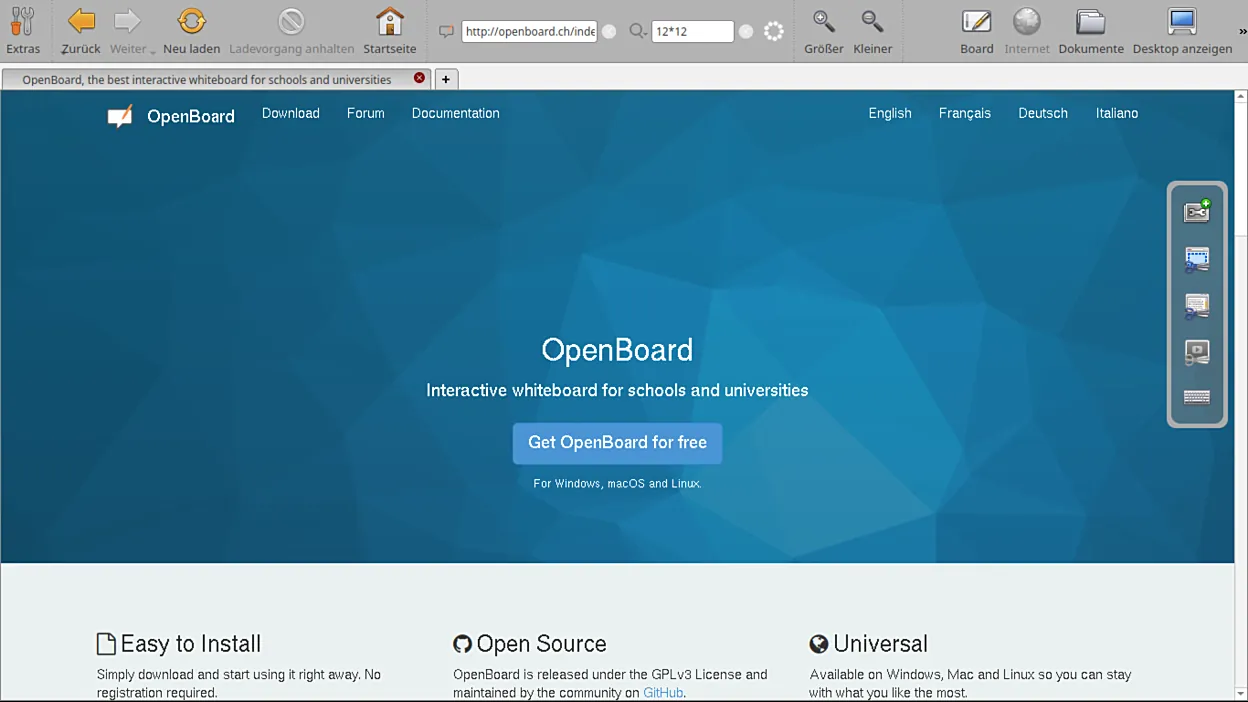
OpenBoard is a free, open-source interactive whiteboard program built for schools and universities. It lets you write, draw and present documents while teaching with an interactive board, a projector or a graphics tablet.
github.com · Official website
- ✓ Official source (winget)
- ✓ SHA256 taken from the official repository
- ✓ Last checked: Nov. 4, 2026
- This is not a virus scan. Check on VirusTotal
- Version
- 1.7.7.240
- Release date
- March 30, 2026
- License
- GPL-3.0
- Installer type
- inno
How do I use this?
Type Terminal in the Start menu and open it, paste the command (Ctrl+V or right-click) and press Enter. It uses winget, Windows' own package manager, to install the program from its official source.
winget install --id OpenEducationFoundation.OpenBoard -eSHA256 (file verification)
0b3e703f5d2971ca2ce68bf7203428d74426d4eb7c1447c728f590b4efaafac9github.com · Official website
- ✓ Official source (Homebrew)
- ✓ SHA256 taken from the official repository
- ✓ Last checked: Nov. 4, 2026
- This is not a virus scan. Check on VirusTotal
- Version
- 1.7.7
- License
- GPL-3.0
- Installer type
- dmg
How do I use this?
This command needs Homebrew; if you don't have it, first run the install command from brew.sh. Then open Terminal (Applications > Utilities > Terminal), paste the command and press Enter.
brew install --cask openboardSHA256 (file verification)
23a0c2eb78a21f7edf36649c6cd99890a819a757d4f5f8b0498e13dac0353a88flathub.org · Official website
- ✓ Community package (Flathub)
- ✓ Last checked: Nov. 4, 2026
- Version
- 1.7.7
- Release date
- March 31, 2026
- License
- GPL-3.0
- Installer type
- flatpak
How do I use this?
Open a terminal, paste the command and press Enter. Flatpak and Flathub must be set up; Linux Mint has them by default, for other distributions see flathub.org/setup.
flatpak install flathub ch.openboard.OpenBoardWe couldn't find a Android version of OpenBoard in the official repositories; check the publisher's website.
OpenBoard 1.7.7.240: what's new?
Highlights
- Pen, highlighter, shape and eraser tools
- Import PDFs and images and write over them
- Annotation mode on top of the desktop
- Geometry tools such as ruler, set square and compass
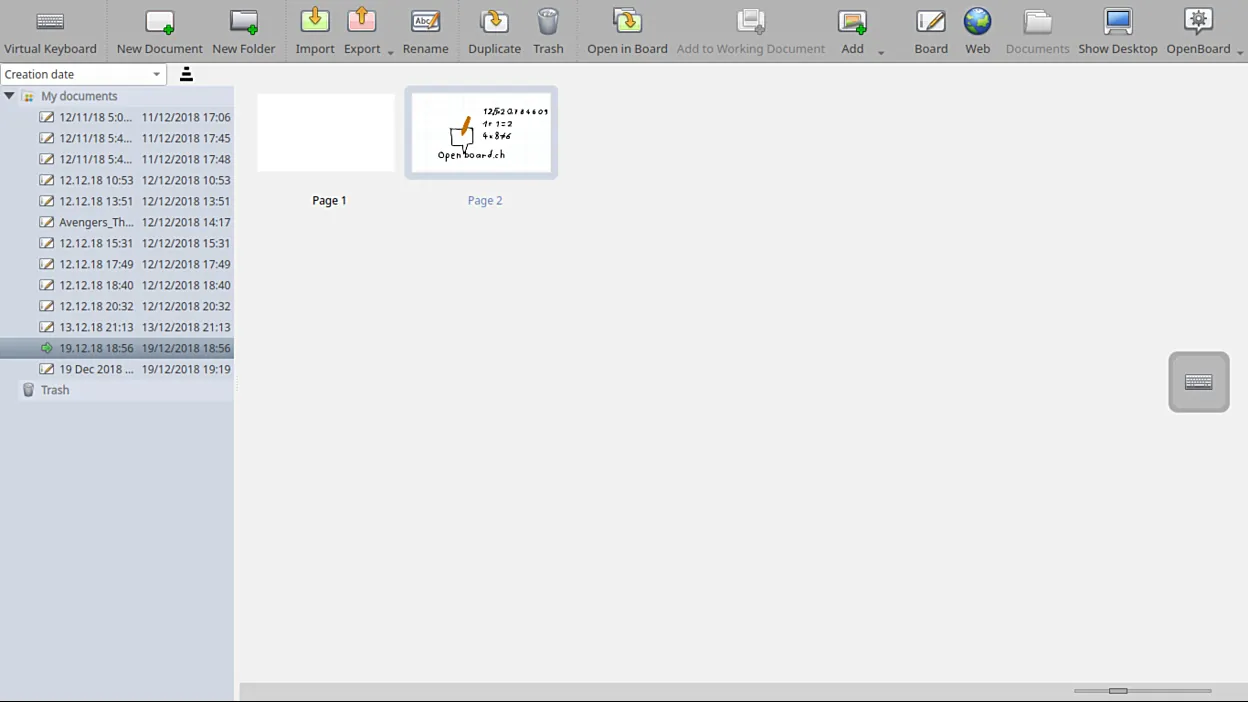
- Save lesson pages and reopen them later
Who is it for?
For teachers who teach with an interactive board or projector, trainers giving remote lessons and anyone who wants to draw during a presentation.
Good to know before installing
- The interface is simple, but some menus can feel confusing at first.
- It can slow down with large PDF files.
Screenshots
How to install
Windows
- Click the official download button on this page.
- Run the installer and follow the steps.
- Open OpenBoard and create your first lesson document.
macOS
- Download the installer with the official button.
- Move OpenBoard into the Applications folder.
- Or use the Homebrew command shown on the page.
Linux
- Open the Flathub page with the button on this page.
- Or run the flatpak command shown on the page in a terminal.
- Launch OpenBoard from your application menu.
Alternatives
Frequently asked questions
Is OpenBoard free?
Yes. It is open source and free for schools to use.
Can I use it without an interactive board?
Yes. It also works with a mouse, a touchscreen or a graphics tablet.
Can I write on a PDF?
Yes. Import the PDF and add writing and drawings on top of its pages.