

Telegram Desktop
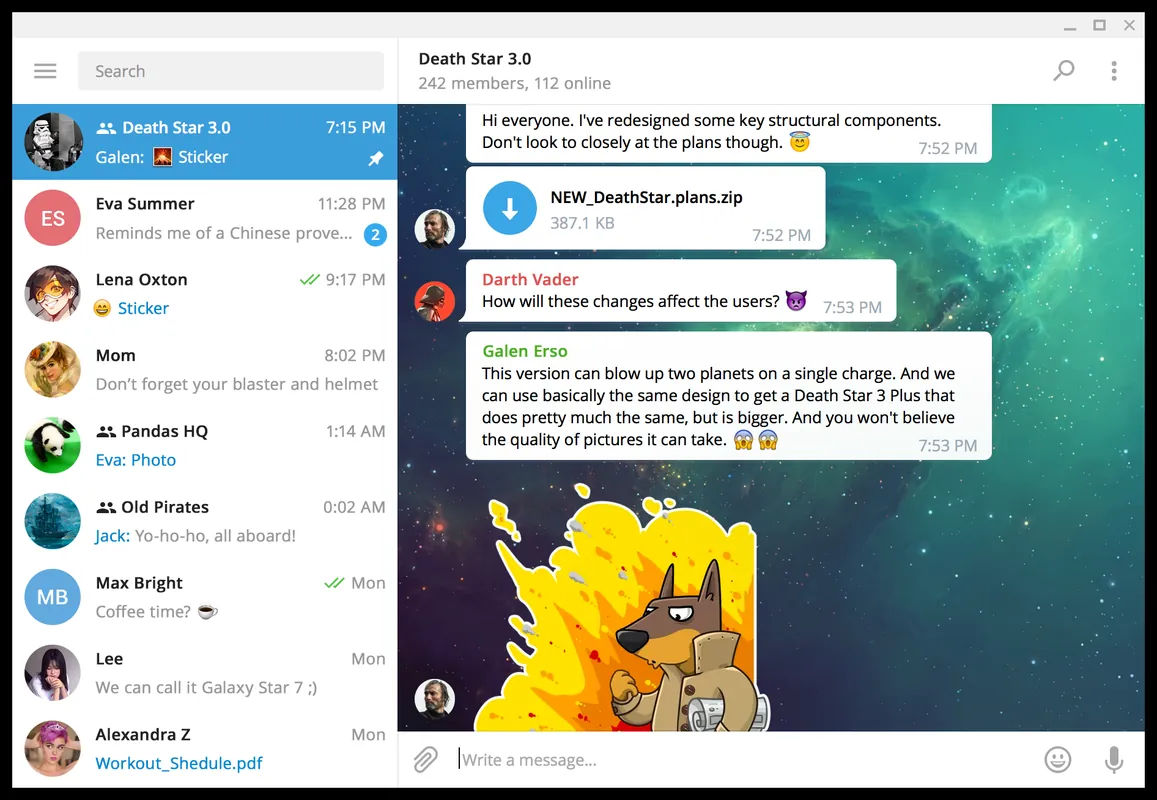
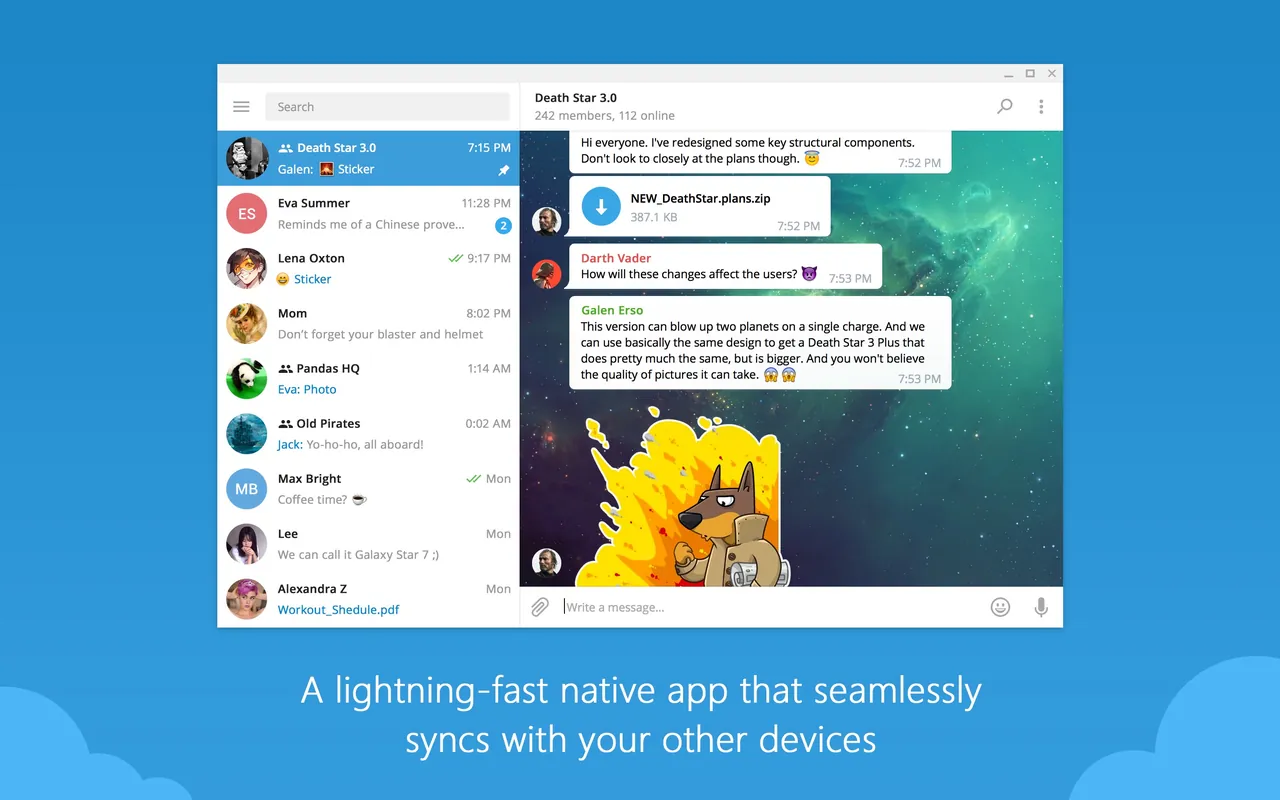
Telegram Desktop is an open-source, cloud-based messaging client developed by Telegram FZ-LLC. It enables users to send messages, photos, and files with seamless synchronization across multiple devices.
github.com · Official website
- ✓ Official source (winget)
- ✓ File is identical to the one the publisher released (SHA256 matched)
- ✓ Last checked: Nov. 4, 2026
- This is not a virus scan. Check on VirusTotal
- Version
- 7.3.3
- Release date
- Oct. 21, 2026
- License
- GPL-3.0-only
- Installer type
- inno
How do I use this?
Type Terminal in the Start menu and open it, paste the command (Ctrl+V or right-click) and press Enter. It uses winget, Windows' own package manager, to install the program from its official source.
winget install --id Telegram.TelegramDesktop -eSHA256 (file verification)
865cd80080ef1948bd818000c05fe81cabbbd0688a91c2cf8978f9cc73fd5a06td.telegram.org · Official website
- ✓ Official source (Homebrew)
- ✓ File is identical to the one the publisher released (SHA256 matched)
- ✓ Last checked: Nov. 4, 2026
- This is not a virus scan. Check on VirusTotal
- Version
- 7.3.3
- License
- GPL-3.0-only
- Installer type
- dmg
How do I use this?
This command needs Homebrew; if you don't have it, first run the install command from brew.sh. Then open Terminal (Applications > Utilities > Terminal), paste the command and press Enter.
brew install --cask telegram-desktopSHA256 (file verification)
2f61ac7b8ab5d1190a9ab0aa23198468bcbde9eb26c63af4708161ed6a5f7cd3flathub.org · Official website
- ✓ Official source (Flathub)
- ✓ Last checked: Nov. 4, 2026
- Version
- 7.3.3
- Release date
- Oct. 21, 2026
- License
- GPL-3.0-only
- Installer type
- flatpak
How do I use this?
Open a terminal, paste the command and press Enter. Flatpak and Flathub must be set up; Linux Mint has them by default, for other distributions see flathub.org/setup.
flatpak install flathub org.telegram.desktopplay.google.com · Official website
- ✓ Official source (Google Play)
- ✓ Last checked: Nov. 4, 2026
- License
- GPL-3.0-only
Telegram Desktop 7.3.3: what's new?
- TON DNS gift owners are now displayed as links instead of address groups.
- Fixed an issue where typing '?' erroneously displayed the Shortcuts legend.
- Resolved multiple Windows issues involving video tint, media viewer, text rendering, missing Chinese characters, and Focus Mode.
- Fixed menu translation on macOS and resolved several crashes.
Summarized from the publisher's release notes.
Highlights
- Cloud synchronization across all connected devices
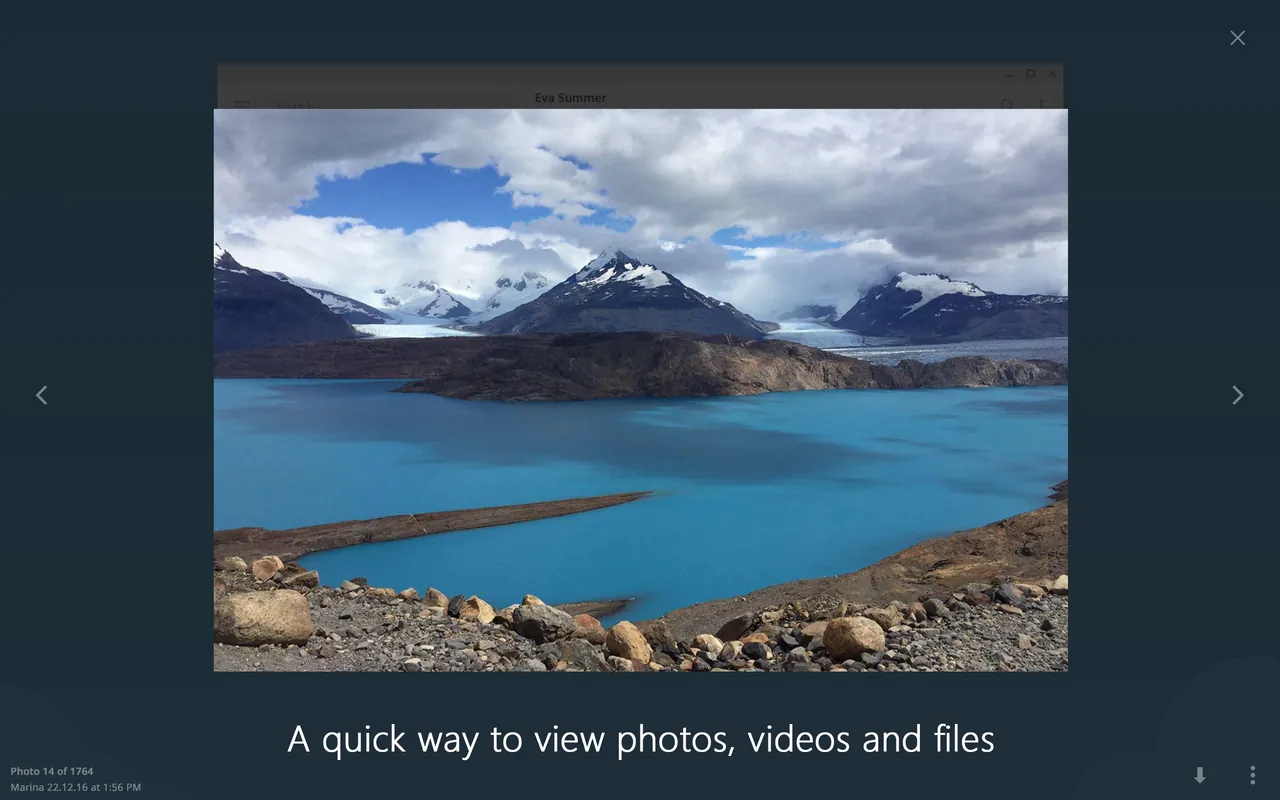
- Support for sending large files and media documents
- Text, voice, and video messaging capabilities
- Customizable interface with chat folders and notification controls
Who is it for?
Telegram Desktop is designed for individuals, remote teams, and communities who need fast, cloud-synchronized messaging across desktop and mobile devices. It is commonly used for sharing large files, participating in public channels, and managing group conversations.
Good to know before installing
- Requires an active phone number to register and log in to an account.
- Secret chats with end-to-end encryption are only supported on mobile apps, not in the desktop version.
- Higher file upload limits and extra features require an optional paid Telegram Premium subscription.
Screenshots
How to install
Windows
- Download the official setup file or run winget install --id Telegram.TelegramDesktop -e in your command prompt.
- Run the downloaded installer and complete the setup wizard.
- Open Telegram Desktop and log in using your phone number or QR code.
macOS
- Download the installer using the official button or run brew install --cask telegram-desktop in Terminal.
- Open the downloaded DMG file and drag Telegram into your Applications folder.
- Launch the application and authenticate to access your chats.
Linux
- Click the download button to visit Flathub or execute flatpak install flathub org.telegram.desktop in your terminal.
- Confirm the installation through your software manager or terminal prompt.
- Launch Telegram Desktop from your application menu.
Android
- Click the official download button to open the Google Play Store page.
- Tap Install to start the download and setup process.
- Launch Telegram and sign in with your phone number.
Alternatives
Frequently asked questions
Is Telegram Desktop free to use?
Yes, Telegram Desktop is free and open-source software distributed under the GPL-3.0 license.
Can I use Telegram Desktop independently from my phone?
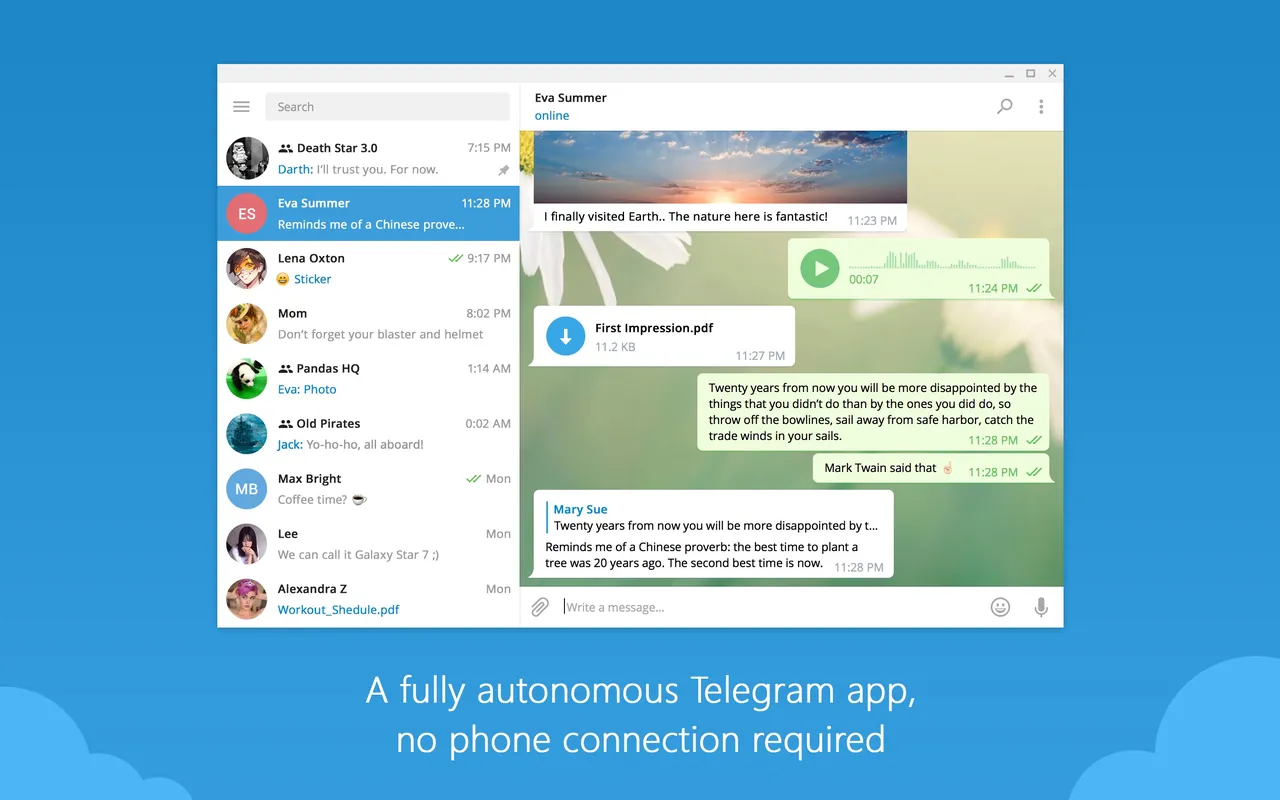
A phone number is required to register an account, but the desktop application functions independently once logged in.
Do chats sync automatically between mobile and desktop?
Yes, all cloud-based chats, media, and documents synchronize across all your devices in real time.